
Your shopping cart is empty!
Hello, dear customers!
In this article, we will explain how to open an .STL model purchased from our online store in 3ds Max.
Step 1: Open 3ds Max.
.jpg)
Step 2: In the MXD (MAX) menu, select Import.
.jpg)
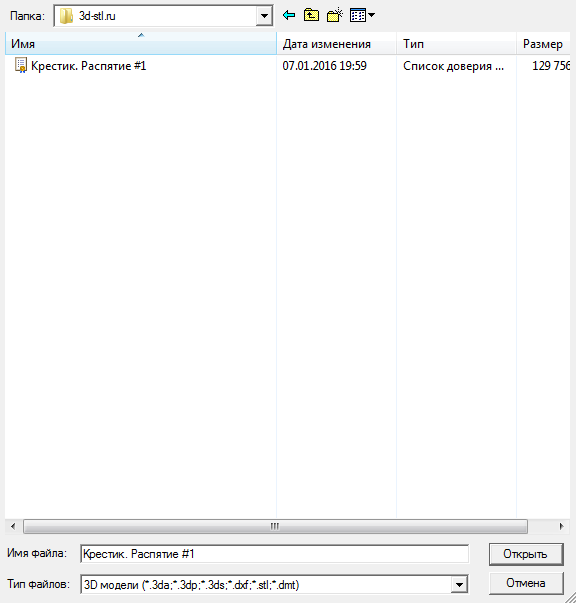
Step 3: In the window that opens, select the purchased *.STL model and click "Open".
Step 4: In the window that opens, set the following parameters and click "OK".
.jpg)
Done! The purchased 3D model in STL format is now open.
Thank you for your attention! We wish you a pleasant shopping experience at the 3D-STL online store!